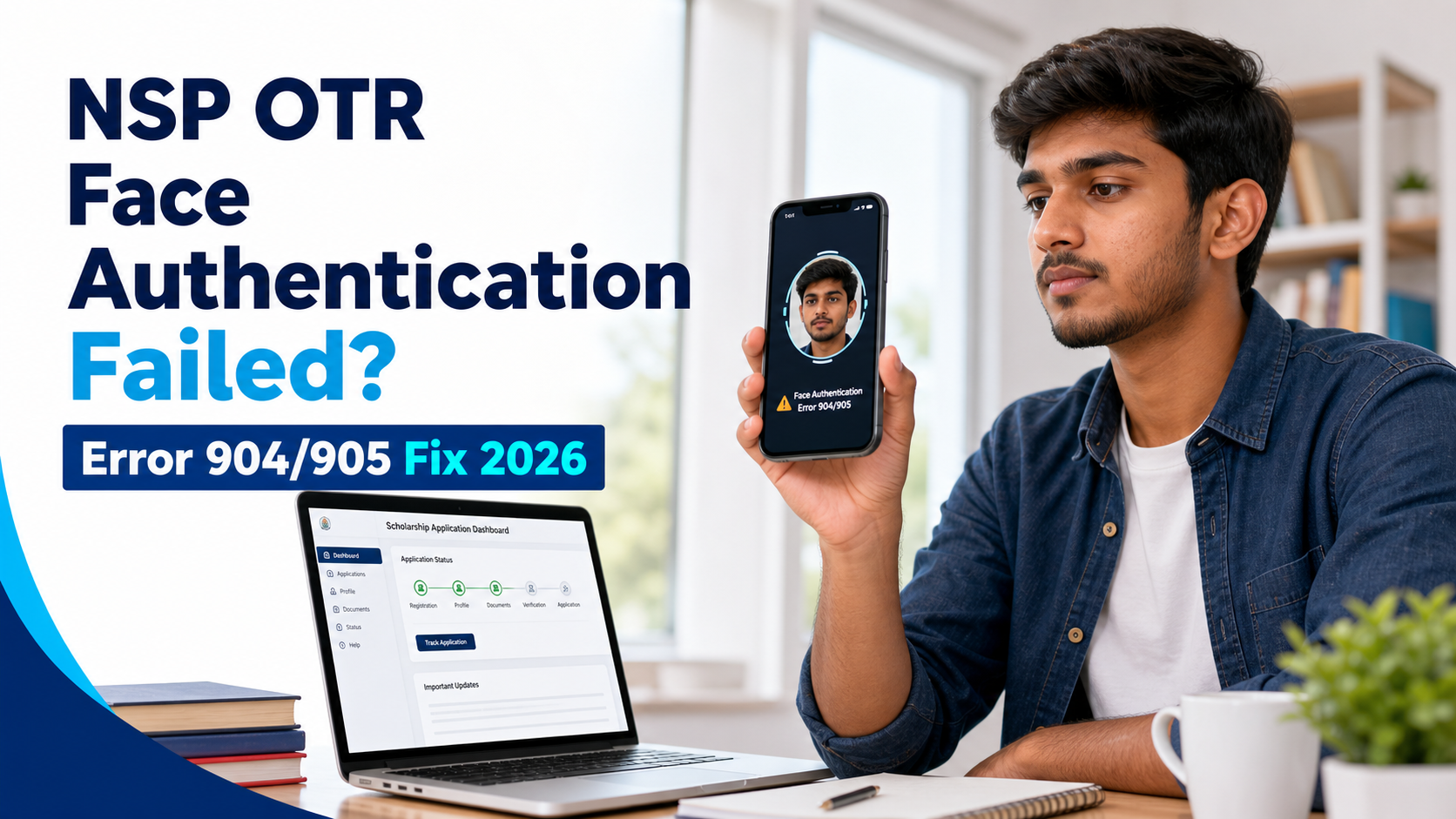
सीधा समाधान: NSP OTR Face Authentication में Error 904 आए तो सबसे पहले Google Play Store से UIDAI का AadhaarFaceRD App update करें। इसके बाद MyAadhaar या mAadhaar में Aadhaar biometric lock status जाँचें—authentication के समय biometrics Unlocked होने चाहिए। नया OTR बार-बार शुरू न करें; पहले existing Reference Number से retry करें।
National Scholarship Portal पर scholarship application के लिए One-Time Registration यानी OTR आवश्यक है। Official NSP के अनुसार OTR Aadhaar/Aadhaar Enrolment ID पर आधारित 14-digit unique number है और विद्यार्थी के पूरे academic career के लिए लागू रहता है। Aadhaar-based verification के दौरान student को NSP OTR app और Aadhaar Face RD service की मदद से live face authentication करना होता है। इसी चरण पर बहुत से users को scan fail, error code, blank camera या reference number invalid जैसी परेशानी मिलती है।
Error 904 के लिए current government instruction app update और biometric unlock की जाँच बताता है। Camera, permission, lighting और network checks सहायक troubleshooting हैं, लेकिन इन्हें Error 904 का एकमात्र आधिकारिक कारण न मानें। नीचे verified fix से शुरुआत करें और फिर बाकी checks क्रम से करें।
NSP OTR Face Authentication क्या है?
OTR student की scholarship journey के लिए एक One-Time Registration identity है। Face authentication में live camera image को Aadhaar authentication system के उपलब्ध record से verify करने का प्रयास होता है। इसका उद्देश्य applicant की पहचान की पुष्टि करना है।
NSP OTR app workflow शुरू करता है, जबकि Aadhaar Face RD background authentication component की तरह काम कर सकता है। केवल एक app install होने पर camera flow आगे न बढ़े या authentication complete न हो। Official app-store listing और portal instructions ही उपयोग करें।
NSP OTR Error 904 का official fix
2026 के सरकारी NSP निर्देश में Error 904 आने पर UIDAI का AadhaarFaceRD App Google Play Store से update करने को कहा गया है। उसी निर्देश के अनुसार student, parent या legal guardian का biometric authentication fail हो सकता है यदि Aadhaar biometrics locked हों। Face authentication से पहले MyAadhaar portal या mAadhaar app में biometric status Unlocked करें।
Error 905 के exact कारण या universal fix का current official confirmation इस audit में नहीं मिला। यदि वह code दिखाई दे, screenshot और app details के साथ NSP helpdesk से पुष्टि करें; उसे Error 904 के समान verified rule न मानें।
| लक्षण | संभावित कारण | पहला समाधान |
|---|---|---|
| Error 904 | Official notice पहले AadhaarFaceRD version और biometric lock status जाँचने को कहता है | Face RD update करें; biometrics Unlocked करके retry करें |
| Camera black/blank | Camera permission बंद या दूसरे app का control | Permission allow, background camera apps बंद |
| Face frame detect नहीं | कम रोशनी, blur, गलत distance | सामने की रोशनी और steady phone |
| RD service unavailable | Aadhaar Face RD missing/outdated | Official store से install/update |
| Reference number invalid | गलत number, expired session या दूसरे applicant की entry | NSP से number दोबारा verify |
| Submit button inactive | Mandatory field/consent/session incomplete | Form और OTP session फिर जांचें |
| Authentication बार-बार fail | Aadhaar data/biometric availability या server load | Off-peak retry और official helpdesk |
Face Authentication से पहले Checklist
- NSP OTR app का latest official version।
- Google Play Store से updated AadhaarFaceRD App।
- MyAadhaar/mAadhaar में biometric status Unlocked।
- Android device में working front camera।
- Camera permission enabled।
- Stable mobile data या Wi-Fi।
- सही OTR reference number और registered mobile।
- Aadhaar में नाम, DOB और mobile details की जानकारी।
- साफ, सामने से आती रोशनी वाला स्थान।
NSP OTR Face Authentication: Step-by-step Guide
Official NSP portal पर OTR details तैयार करें
National Scholarship Portal पर student OTR workflow खोलें। Registered mobile, Aadhaar-related consent और required details सावधानी से भरें।
Reference number सुरक्षित नोट करें
OTP/eKYC के बाद मिला reference number उसी applicant का होना चाहिए। Space, missing digit या screenshot से गलत copy होने पर next step fail हो सकता है।
दोनों official apps update करें
NSP OTR और Aadhaar Face RD को official app store से install/update करें। Third-party APK इस्तेमाल न करें। Update के बाद phone restart करना उपयोगी हो सकता है।
Permissions allow करें
Settings में NSP OTR को Camera permission दें। Battery saver और aggressive background restriction authentication के बीच app बंद कर सकते हैं; scan के समय इन्हें अस्थायी रूप से जांचें।
FaceAuth workflow शुरू करें
NSP OTR app में सही reference number/OTP session खोलें और eKYC with Face Authentication option चुनें। Camera खुलने के बाद on-screen instructions follow करें।
सही face positioning रखें
Phone आंखों की ऊंचाई पर रखें, चेहरा frame के बीच रहे, camera lens साफ हो और पीछे तेज रोशनी न हो। Mask, cap या dark glasses हटाएं।
Success screen और OTR status verify करें
Authentication successful message के बाद app तुरंत बंद न करें। Confirmation complete होने दें और portal/app में OTR number/status जांचें।
Camera और Lighting से जुड़ी गलतियाँ
- Beauty filter, portrait effect या third-party camera overlay बंद करें।
- चेहरे पर गहरी shadow न हो।
- Plain background मदद कर सकता है।
- Camera को लगातार हिलाएं नहीं।
- Network बदलते समय active session expire हो सकता है; नया session लें।
NSP OTR और Aadhaar Face RD App Check
App crash या blank screen पर पहले update और compatibility जांचें। Phone Settings में app storage/cache साफ करने से पहले reference number सुरक्षित रखें। Data clear करने पर session logout हो सकता है।
Rooted device, cloned app, screen overlay या security policy authentication को रोक सकती है। संभव हो तो सामान्य updated Android phone इस्तेमाल करें। किसी अन्य व्यक्ति के phone पर अपना Aadhaar data save न छोड़ें।
NSP OTR Reference Number Problem
Reference number face-authentication request को आपके registration से जोड़ता है। इसे OTR number न समझें; face authentication पूरा होने से पहले कई users के पास केवल reference number होता है।
- Number उसी applicant के SMS/portal session से लें।
- Copy करते समय extra space हटाएं।
- Registered mobile और applicant details बदलकर पुराना reference न चलाएं।
- Reference खो गया हो तो official NSP recovery/status option देखें।
- बार-बार fresh registration से multiple incomplete records न बनाएं।
Submit Button काम नहीं कर रहा
Button inactive हो तो camera को दोष देने से पहले form completeness देखें। Consent checkbox, OTP verification, reference number, mandatory fields और internet session confirm करें। App screen freeze हो तो थोड़ा wait करें; repeatedly tap करने से duplicate requests जा सकती हैं।
- सभी mandatory fields दोबारा देखें।
- Consent checkbox selected हो।
- OTP/session expired न हो।
- App latest हो और internet stable हो।
- Back button से आधा flow छोड़ने के बजाय नया clean session लें।
- Peak traffic में बाद में retry करें।
Aadhaar biometric lock कैसे जाँचें?
MyAadhaar web portal या mAadhaar app में Lock/Unlock Biometrics service खोलें। Face authentication करते समय biometric status Unlocked होना चाहिए। Unlock केवल Aadhaar holder स्वयं official UIDAI service से करे। किसी agent को OTP, Aadhaar password या remote phone access न दें।
Name, date of birth या gender mismatch दिखे तो random form changes न करें। Aadhaar source की गलती UIDAI route से और NSP profile/session की समस्या NSP helpdesk से ठीक कराएँ।
Face Authentication के बाद OTR ID नहीं मिली
Success के बाद OTR status update होने में session processing का समय लग सकता है। तुरंत fresh OTR न बनाएं। Portal/app में status देखें, registered mobile messages जांचें और success screenshot सुरक्षित रखें।
OTR मिल जाने के बाद उसे सुरक्षित रखें। Scholarship application status के लिए हमारी NSP scholarship payment status guide और initial registration के लिए NSP OTR registration guide देखें।
NSP Helpdesk को Complaint कैसे भेजें?
Subject: NSP OTR Face Authentication Failed – Error 904
Message: “मैंने AadhaarFaceRD और NSP OTR apps update किए हैं, Aadhaar biometrics Unlocked हैं तथा सही Reference Number से प्रयास किया है। इसके बाद भी face authentication पर Error 904 दिखाई दे रहा है। कृपया OTR session/status की जाँच करें।”
साथ दें: Masked Reference Number, error screenshot, device/app version और attempt की date/time। OTP, पूरा Aadhaar या password न भेजें।
NSP portal पर उपलब्ध official helpdesk channel ही इस्तेमाल करें। OTP, पूरा Aadhaar, password या unmasked document न भेजें।
संबंधित Guides
NSP OTR Face Authentication FAQ
नीचे दिए FAQ official guidance और verified troubleshooting पर आधारित हैं।
यह independent educational guide है। Portal और app interface बदल सकता है; official NSP/UIDAI instructions को प्राथमिकता दें।
NSP OTR Error 904 कैसे ठीक करें?
AadhaarFaceRD update करें, Aadhaar biometrics Unlocked रखें और existing Reference Number से NSP OTR app में नया session लेकर face scan करें।
Reference number और OTR number एक हैं?
नहीं। Reference number प्रक्रिया को track करता है; final OTR number successful completion के बाद मिलता है।
Aadhaar Face RD app क्यों जरूरी है?
यह Aadhaar-based face authentication के लिए background service प्रदान करती है और NSP OTR workflow के साथ काम करती है।
OTR successful लेकिन number नहीं मिला तो क्या करें?
Portal status और registered mobile देखें तथा fresh registration से पहले official helpdesk से जांच कराएं।